- Have any questions?
- +86 15953537010
- admin@wepower-electronic.com

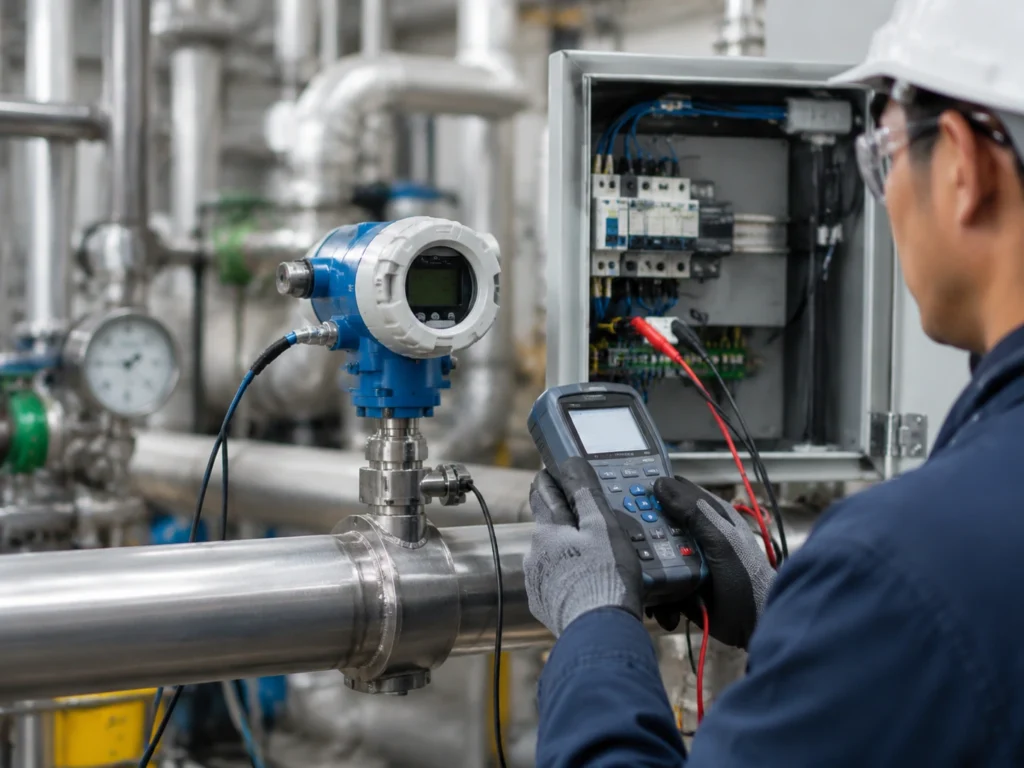
A smart temperature transmitter acts like a link. It connects the basic signal from a sensor to a steady digital output. Your control system can rely on this output. The device turns small voltages or resistance values into a standard signal. It also fixes small errors and sends out status info. Knowing how it works inside, how to calibrate it, and where to watch for install issues helps you avoid long fixes and big stops in work.
What a Temperature Transmitter Does
A temperature transmitter takes the weak electrical signal from a thermocouple or RTD. It turns that signal into a strong 4–20 mA or digital output. The goal is not only conversion. It also brings stability and accuracy. A smartline temperature transmitter checks the sensor input. It straightens the signal to match the sensor type. It adjusts for room conditions too. Then it sends a signal that matches the real temperature.
The Signal Chain Inside a Smart Temperature Transmitter
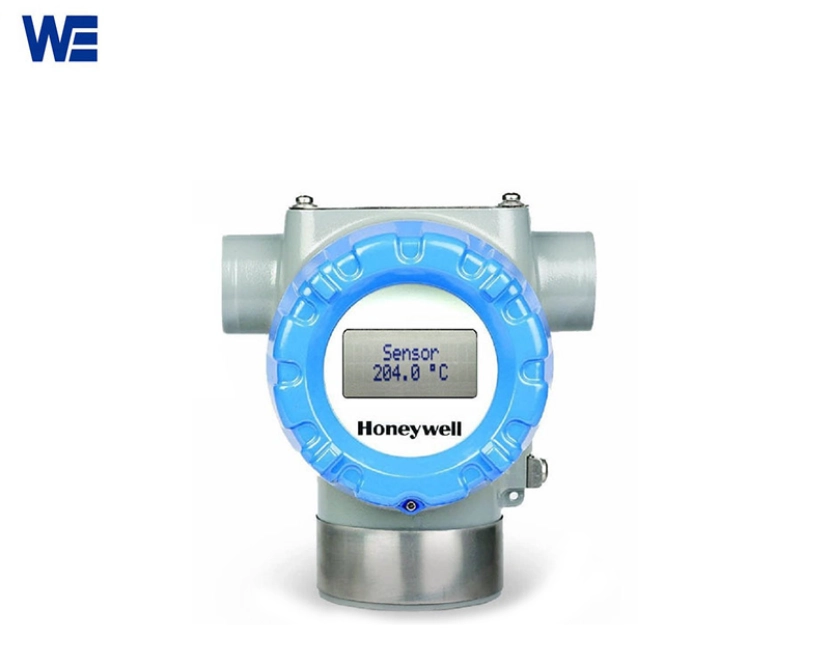
Modern smart transmitters, for example the Honeywell smartline temperature transmitter, share a similar internal architecture:
Inside a smart temperature transmitter, the weak signal from a thermocouple or RTD first goes through basic filtering and protection circuits. Then it is converted to digital so the processor can check the sensor type, correct small errors, and monitor faults. Finally, the transmitter outputs a stable 4–20 mA or digital signal for the control system. Advanced control inside the processor helps with that.
Where Most Thermocouple Errors Come From
Even good transmitters can show drift or jumps. Most of these problems start at the junctions, not in the electronics. Oxidized spots, wrong extension wires, or poor cold junction handling can shift readings by several degrees.
Cold Junction Compensation
Every thermocouple reads the gap between two points. One is the hot junction in the process. The other is the cold junction at the transmitter terminals. The transmitter must know its own terminal temperature to give the right absolute value. This step is called cold junction compensation. Modern units place small sensors near the input terminals. They read this reference point on their own.
If you skip proper setup for this or place the unit where room temperature swings fast, readings will jump. Good calibration on the sensor will not fix that.
Calibration: Sensor Trim vs Output Trim vs Re-ranging
Calibration in smart units is not one single step. It breaks into three separate jobs:
- Sensor Trimlines up the transmitter’s view of the input with a trusted reference thermometer.
- Output Trimmakes sure the 4–20 mA values match the real measurement points.
- Re-rangingchanges the scale limits without touching the base calibration. One example is moving from 0–100 °C to 0–200 °C.
Rosemount 248/644/3144 temperature transmitter lets you do all three through a handheld communicator or PC software over HART. Knowing which trim to use stops extra calibration cycles.
Field Installation: Where Loops Quietly Fail
Even well-calibrated transmitters can act up after install. Many faults come from wiring choices and the plant environment, not from the electronics.
Sensor wiring
Loose ends often cause on-and-off faults. Always use the right thermocouple extension wire. Mixing metal types adds false junctions and false voltages.
Cable, shielding, grounding
Shielding counts as much as wire size in noisy plants. Keep low-level sensor cables away from power lines. Ground shields at one end only. This stops ground loops that add noise to the loop.
Mechanical and environmental
Vibration loosens connections. Moisture gets into terminal heads. Corrosive vapors eat at insulation. Mount transmitters away from heat sources. Use sealed enclosures that fit the area rating.
Hazardous areas
In classified zones you need intrinsic safety barriers or explosion-proof housings. The Honeywell SmartLine family offers models that meet ATEX and FM rules. These matter in refineries and chemical plants where sparks can cause trouble.
HART loop integrity
Smart transmitters need steady loop resistance for digital talk. If your handheld communicator will not connect over HART, check the total resistance. You usually need 250 Ω between the power supply and the receiver.
Diagnosing Inaccurate Readings
When readings drift for no clear reason, follow these steps:
- Check the reference instrument first.
- Test wiring with an ohmmeter.
- Look at how room conditions affect the cold junction sensors.
- Review any recent setup changes. Wrong re-ranging can look like drift.
- Use the built-in diagnostics in smartline models. They record sensor faults like open circuits or shorts on their own.
Self-diagnostics in modern transmitters cut down on guesswork during checks.
Communication Protocols at a Glance
Temperature transmitters now work with more than just 4–20 mA:
- HART: Digital data superimposed on analog loop; supports remote configuration and diagnostics.
- FOUNDATION Fieldbus: Fully digital communication allowing multi-variable integration over one cable.
- Profibus PA: Common in European plants; integrates smoothly with PLC-based systems.
Wepower digital temperature transmitter keeps analog/HART as standard. It also offers full digital options for newer control systems.
Applications
Smart temperature transmitters show up in many places. You see them from refinery furnaces to pharmaceutical autoclaves. Precise heat tracking supports both safety and quality rules.
Common uses include:
- Reactor jacket control in chemical plants
- Steam line checks in power stations
- Environmental chambers in research labs
- Cryogenic storage that needs good low-temperature accuracy
- Food sterilization lines that need traceable calibration records
The flexibility of devices like Wepower’s temperature transmitter fits these varied jobs. Modular build and wide ranges let them handle everything from Pt100 RTDs to high-temperature thermocouples. Wepower not only manufactures high-stability temperature transmitters, but also has official channels to sell genuine temperature transmitters from brands such as Rosemount, Honeywell, and E+H.
FAQ
Q1: What is the main function of a temperature transmitter?
It turns low-level sensor signals into standard outputs. It adds compensation and diagnostics so the control system gets clean data.
Q2: How often should I calibrate my honeywell smartline temperature transmitter?
Once a year works for most steady jobs. Critical safety loops or tough environments may need checks more often.
Q3: Why does my thermocouple reading fluctuate even after calibration?
Poor connections or weak cold junction compensation usually cause the jumps. The electronics are rarely the source.
Q4: Can I re-range my transmitter without recalibration?
Yes. Re-ranging only shifts the scale limits. It leaves the base calibration alone unless you also change the sensor type.
Q5: What communication options are available on Wepower’s transmitters?
They come with 4–20 mA plus HART as standard. Some models add FOUNDATION Fieldbus or other digital protocols.